Accessing the Mission Tools
The Mission Tools are built as a progressive web app (PWA). This means that they can be
- used directly in the browser via https://mission-tools.centum-labs.com/ once access has been granted.
- installed directly from the browser and accessed via the app icon from your local machine.
Progessive Web Apps are a way to make web applications available offline. We have adopted this model for the Mission Tools to make sure our customers can use the tools onboard an aircraft without connection to the internet.
Authentication
Access to the Lifeseeker Mission Tools is restricted. In order to use the Mission Tools, you will need a user account with corresponding authorization. If you have not yet received the account information, then please reach out to ls-support@centum-amm.com.
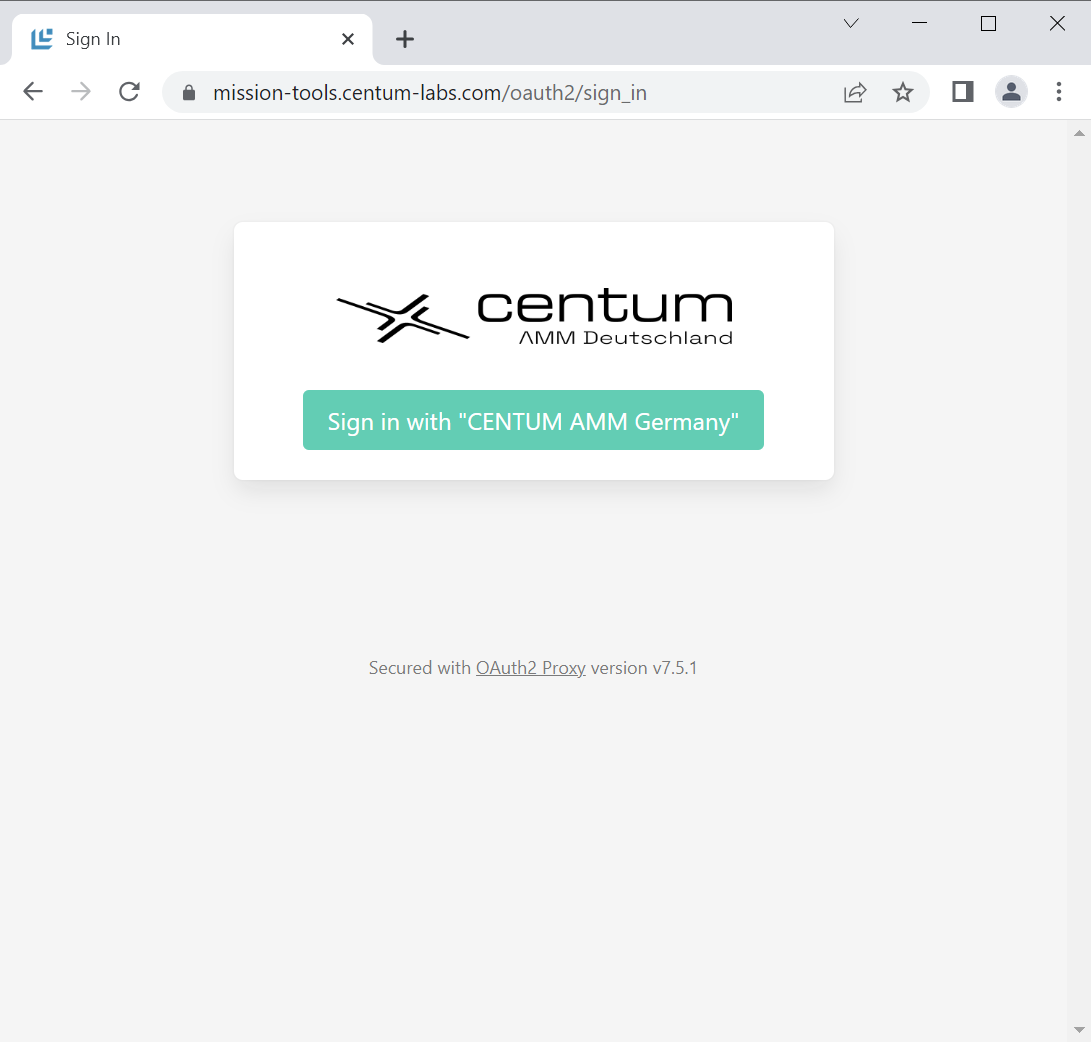
When you open the Mission Tools on https://mission-tools.centum-labs.com/, you will be redirected to a log-in page. After you have logged in, you will automatically move back to the Mission Tools.
Installation of the PWA
Progressive Web Apps are installed via the browser and usually do not required installation privileges on the computer.
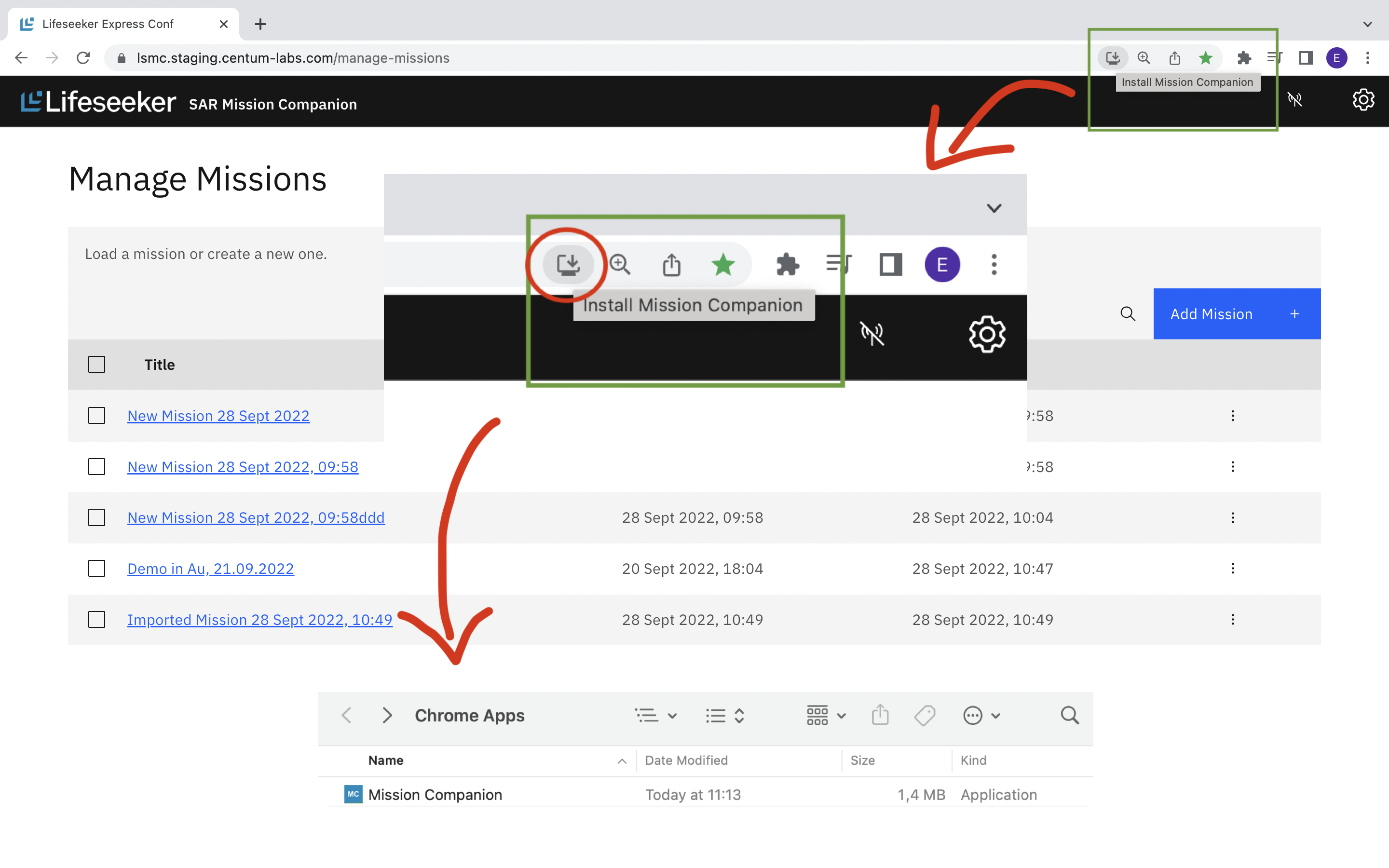
The following image illustrates how the installation can be performed on the Chrome browser. The corresponding steps for other browers are similar.
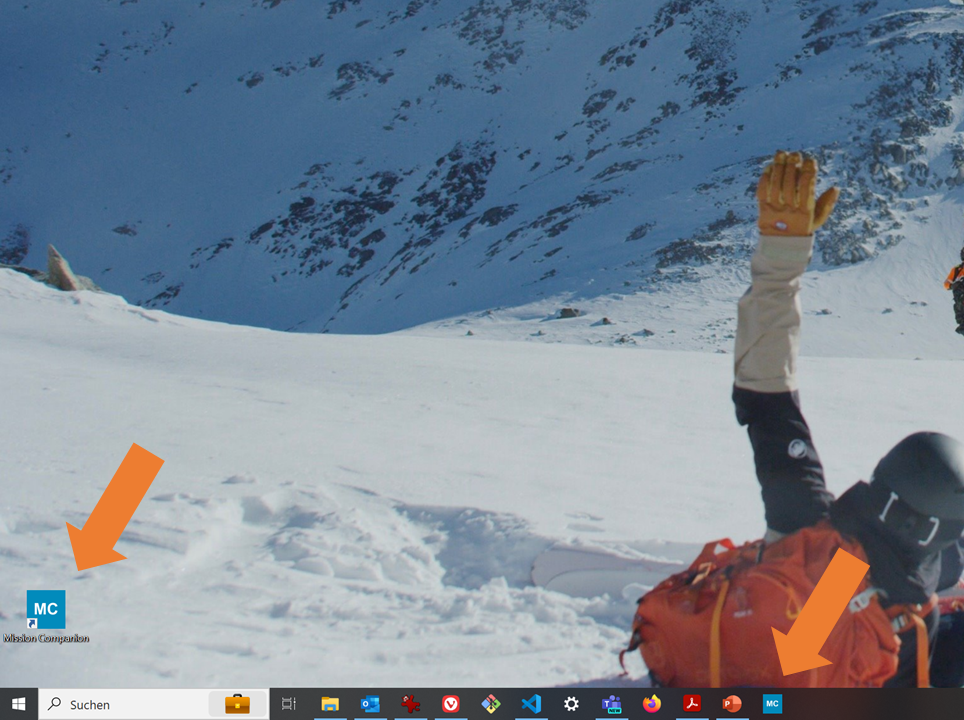
Most browsers automatically create a shortcut symbol for opening the Mission Tools directly on the Desktop.